Media Manager overview
Enterprise knowledge management often requires an asset management process or strategy, whether it is for PDFs, images, Word documents, or Power Point presentations. Media Manager helps Authors, Editors, and Admins maintain these assets by providing in-product functionality to organize and permission assets, bulk upload new files, and add default accessibility descriptions (alt attributes) on images in a dedicated media space on your NiCE KM site. This enables you to easily design and manage your self-service experience at scale.
Prerequisites
- The latest version of NiCE KM
- Guided Content Framework enabled
- Seated role of Draft Contributor, Author, Editor, or Admin
- Draft Contributors can only access Media Manager via the Editor to add images to a page.
Key Features and Functionality
- Add images and attachments to articles with the same user flows you are already familiar with.
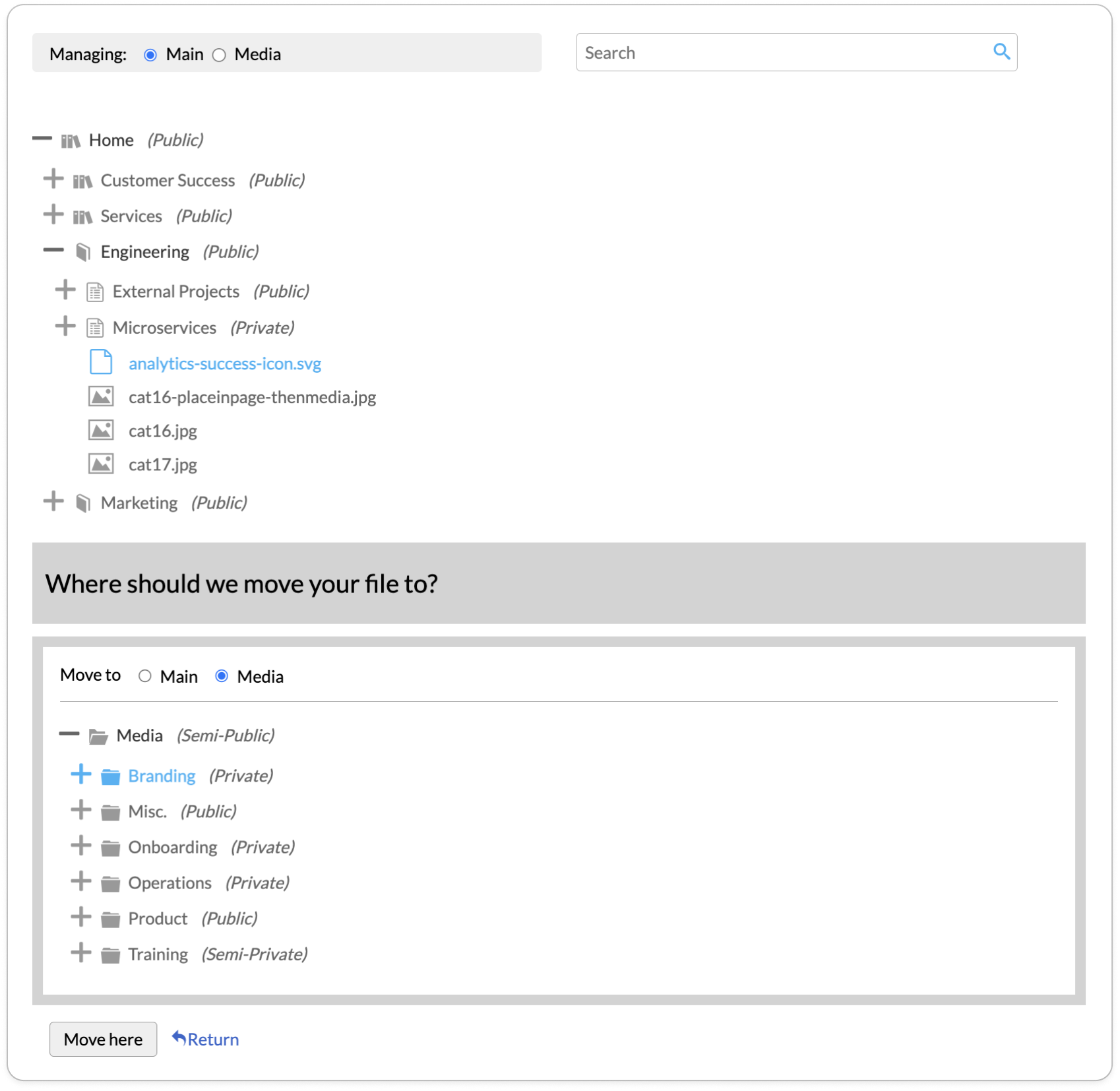
- View and manage all attachments within the Dashboard—edit file name, edit file description, move, delete, and upload new.
- Select attachments from the Media Manager on an individual page.
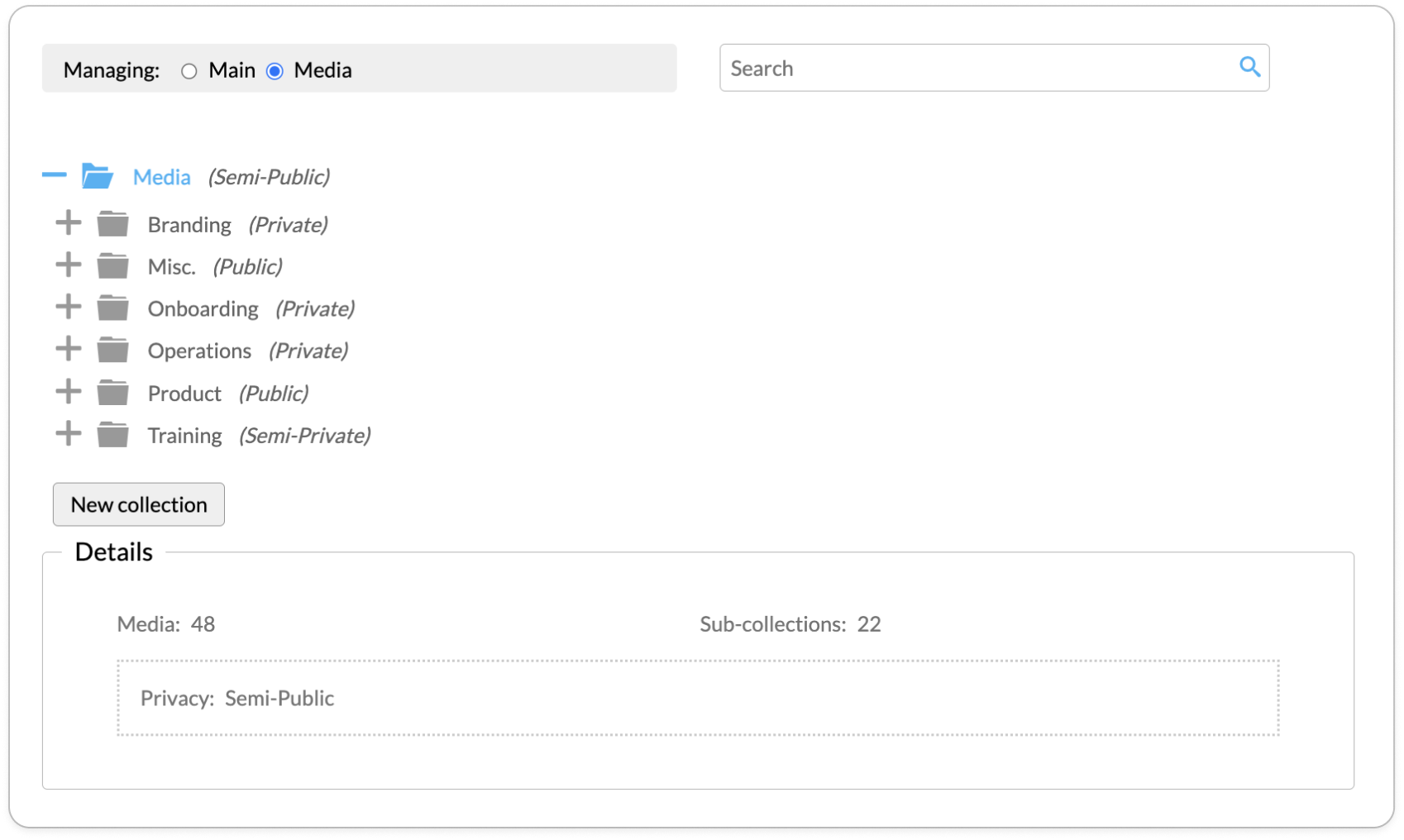
- Organize your documents and media through custom Collection hierarchies—separate from your content hierarchy.
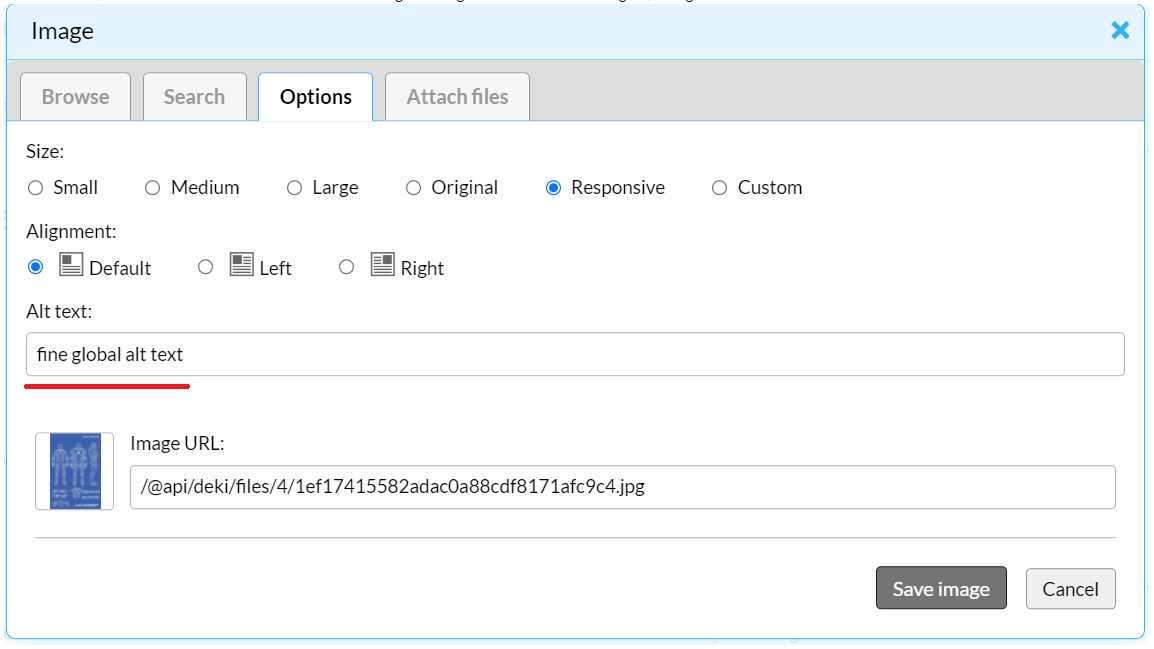
- Make global changes to default alt text for images in the Media namespace, that are auto-populated on image insert.
- Search for files by name, internal description, or default alt text.
- Mass upload to expedite the image upload process.
Benefits
- Increase efficiency by managing all assets from a centralized location, using the same actions found at the page level.
- Improve collaboration with Seated member access.
- Increase the media information that is displayed.
- Improve accessibility for site visitors.
- Maintain a similar workflow for content creators.
Document and Media Management
Management at the Dashboard level provides better visibility of existing page attachments across the entire content hierarchy. The addition of a new, dedicated media organization space means knowledge managers can organize their documents and media into Collections that mimic a folder-like structure, separate from the content hierarchy.
- Uploaded multiple new files at once
- Create a Collection hierarchy to organize and permission files for content authors
- Move existing files across pages or Collections optimal findability while authoring
- Create collections dialog
Collection Privacy & Permissions
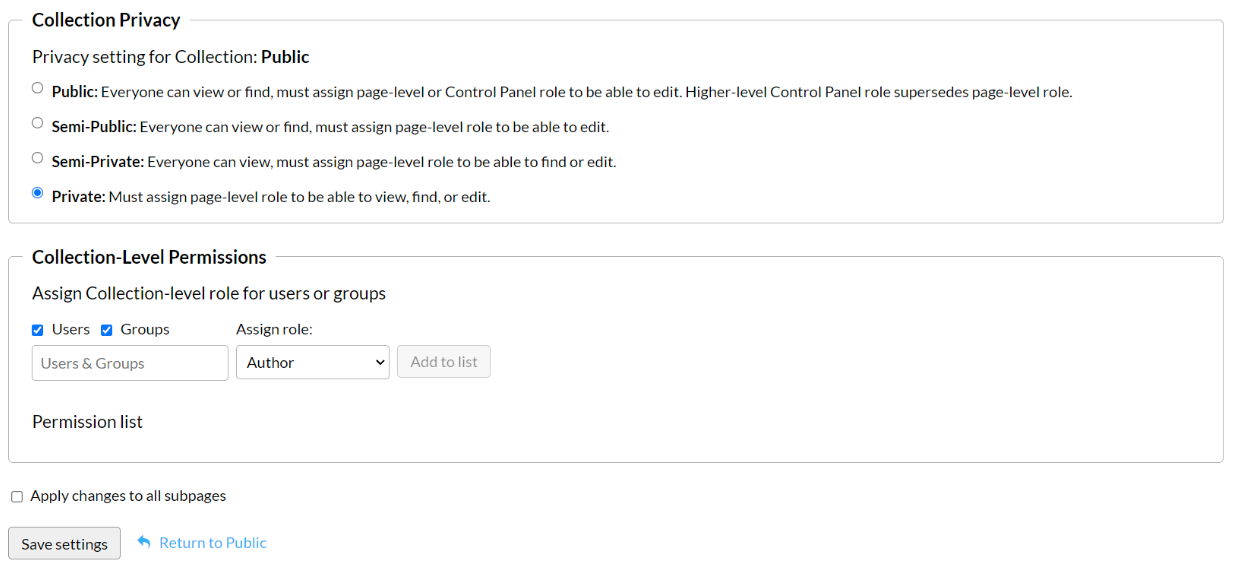
Manage collection privacy and permissions following the same flow as with content pages.
Authoring Experience
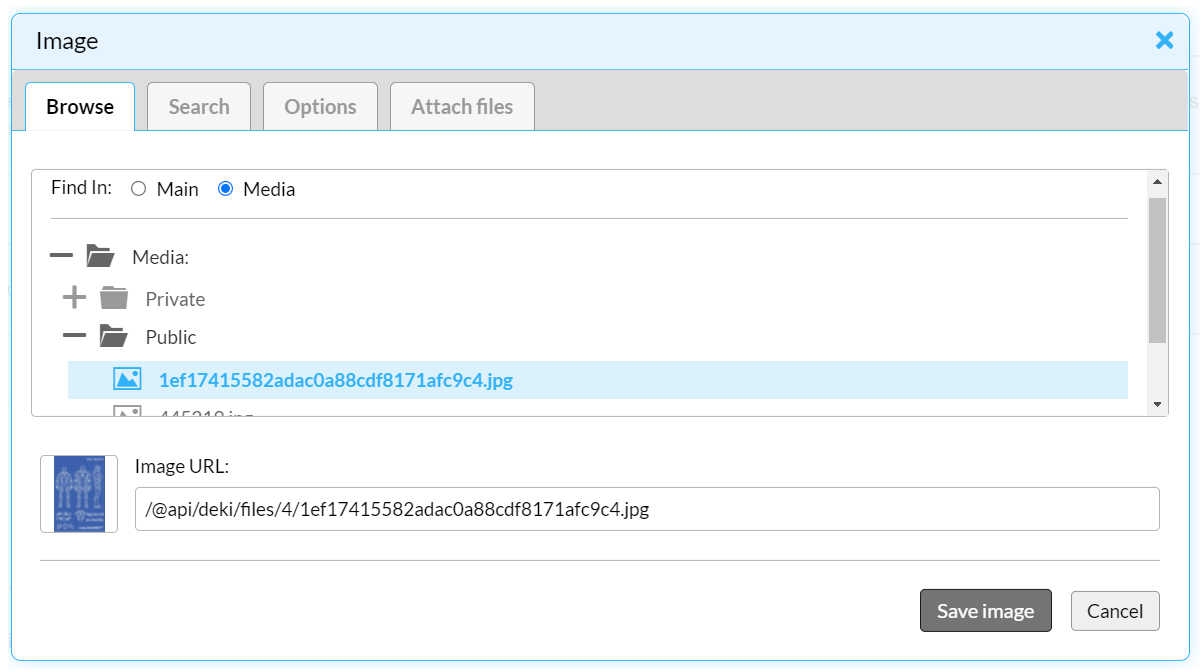
When authoring, users can embed images or link to documents using the same flow they're used to. The image and link insert dialogs include the ability to toggle between page attachments and Collections, so content authors can browse for files from either main content pages or media Collections.
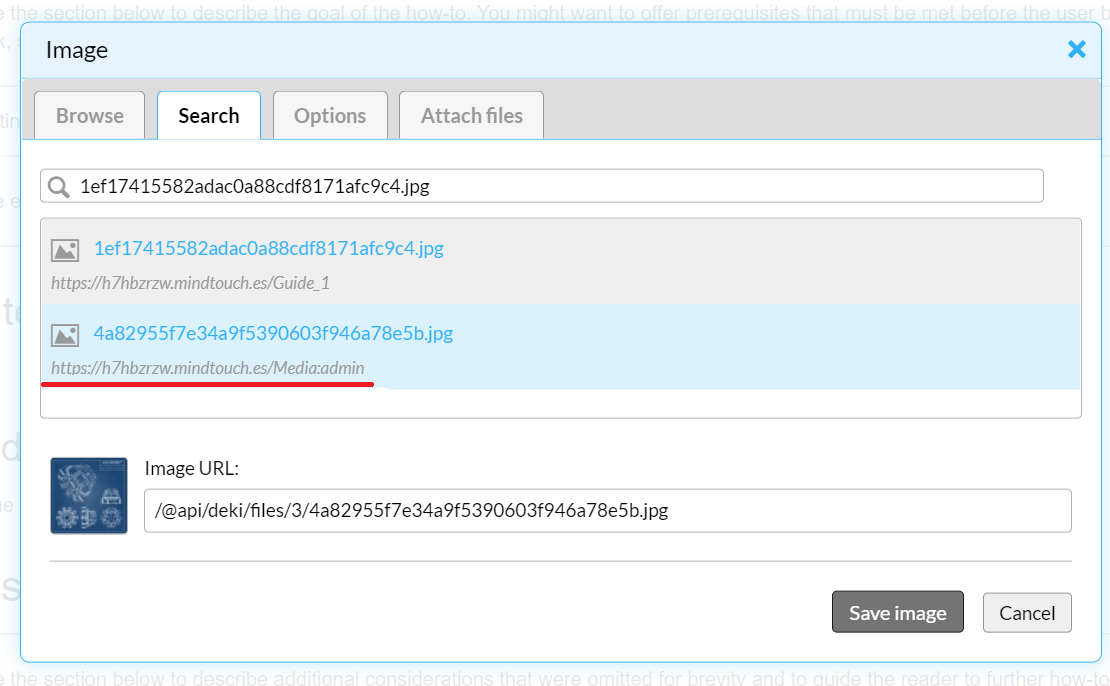
Users can also use the Search tab in the image and link insert dialogs to search across page attachments or media collections to locate images.
Under image options, default alt text is auto-filled for images in the Media namespace. If this value is changed, the default alt text will be overridden.